How to Join the EPSRU Smart University Alumni Network on LinkedIn

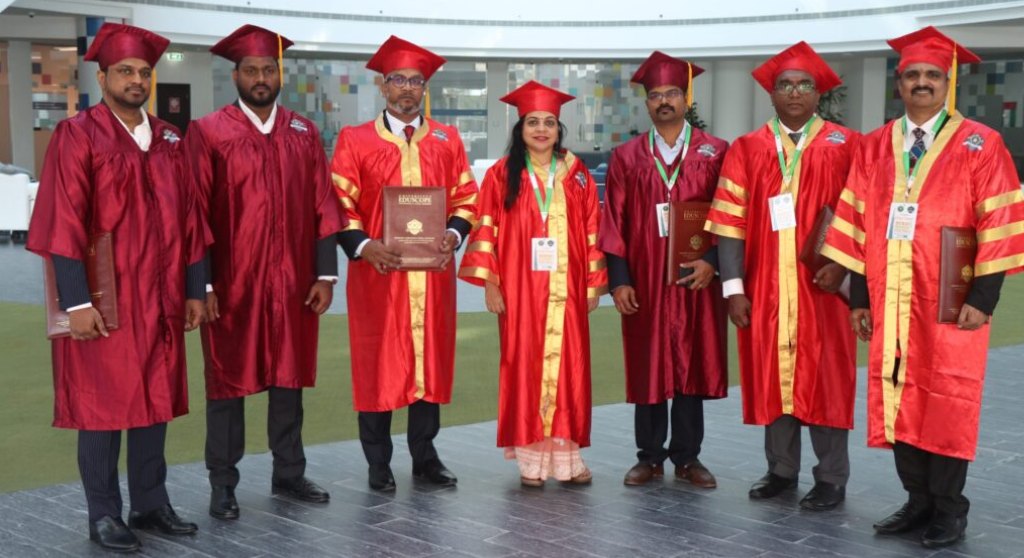
Your connection with EPSRU Smart University can continue long after your conferment ceremony. Joining its alumni and honouree community on LinkedIn offers a way to stay connected, share your progress, and exchange ideas with fellow members.
For honorary doctorate recipients, the network provides a continuing connection through the University’s honorary honouree community.

Step 2: Share Your Details with the University
Following the LinkedIn page does not automatically register you in the alumni or honouree network. To request inclusion, email infodesk@epsr.university with:
Your full name as recorded on your certificate.
Your programme or honorary recognition category.
Your completion or conferment year.
Your current professional role and organisation.
Your LinkedIn profile link.
Your nomination or certificate reference, if available.
Suggested email subject: Alumni Network Registration – [Your Full Name]
The coordination team can then verify your association with EPSRU and advise you on the next steps.

Step 4: Take Part in the Community
A valuable network grows through participation. Comment thoughtfully on posts, congratulate fellow members, share relevant experiences, and contribute ideas that can help others.
You can also send the University updates about your professional achievements, publications, projects, or community initiatives for consideration in future features. Include supporting information and permission to publish your details or photograph.
Step 1: Follow the Official EPSRU LinkedIn Page
Visit the official EPSRU Smart University LinkedIn page and click Follow to receive updates in your LinkedIn feed.
https://www.linkedin.com/school/eduscopeuniversity/
Following the page keeps you informed about University announcements, community features, and opportunities to participate.

Step 3: Present Your EPSRU Connection Accurately
You may wish to include your EPSRU association on your LinkedIn profile. Describe the recognition exactly as it appears in your official documents.
For honorary recipients, a suitable entry in the Honours & Awards section could be:
Honorary Doctorate in [Approved Field]
EPSRU Smart University | [Conferment Year]
Clearly identify it as honorary recognition, which is distinct from an earned academic doctorate.